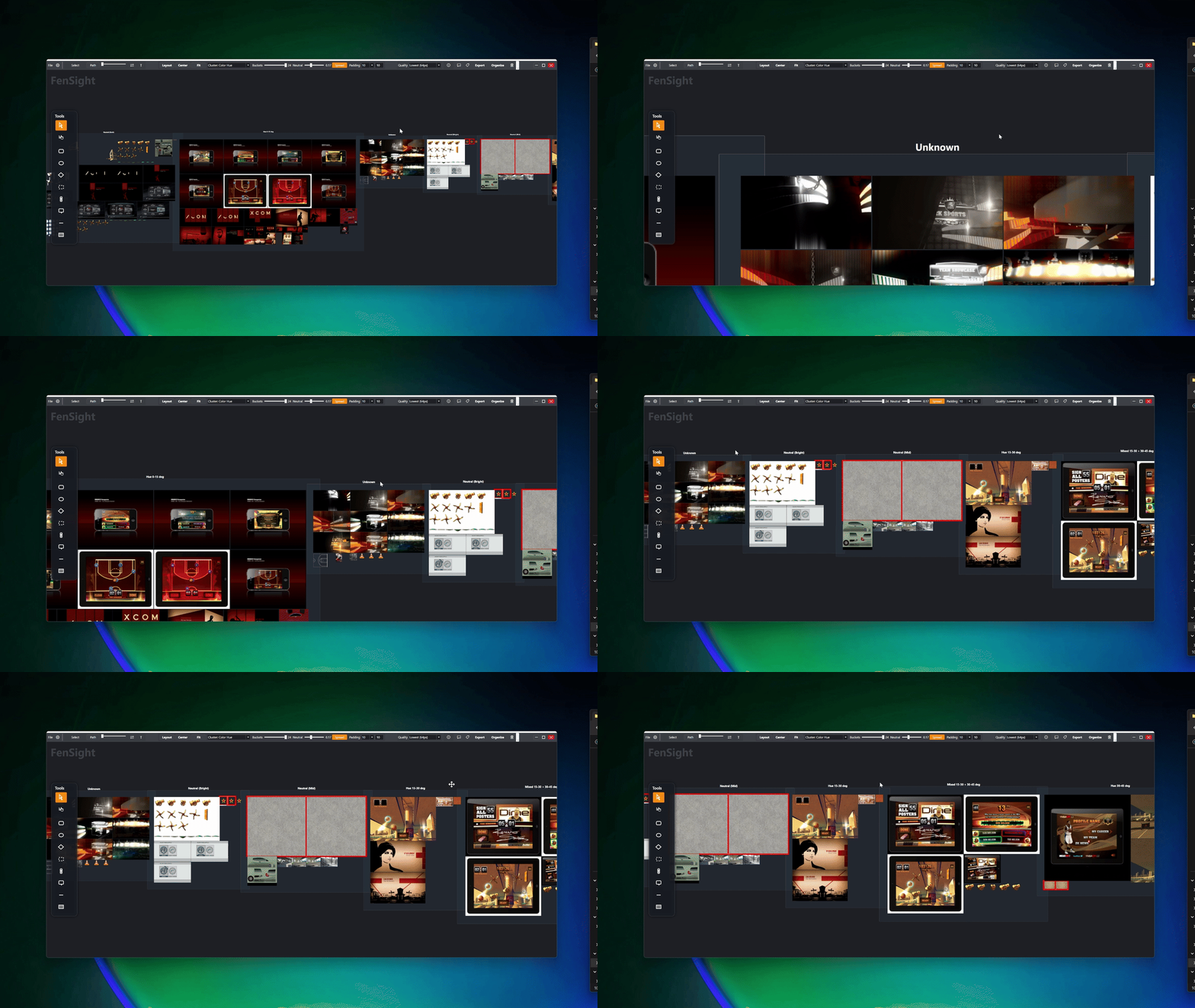

Your images, organized.
Your ideas, searchable.
FenSight is a Windows local-first visual workspace while keeping you or your team's entire image and media library folder structure intact. Organize, rate, visualize and optionally enable AI enrichment to query search by concept, mood, memory, or name.
Lightning Fast
Built on WPF for native performance
Smart Layouts
Auto-groups by color, size & visual theme
Semantic Search
Find images by concept, mood, or memory — not filename
Built for Creatives
Whether you're a photographer culling thousands of shots, a concept artist building reference libraries, or a designer organizing inspiration — FenSight brings your files to life. Not just to view, but to find, arrange, and understand.
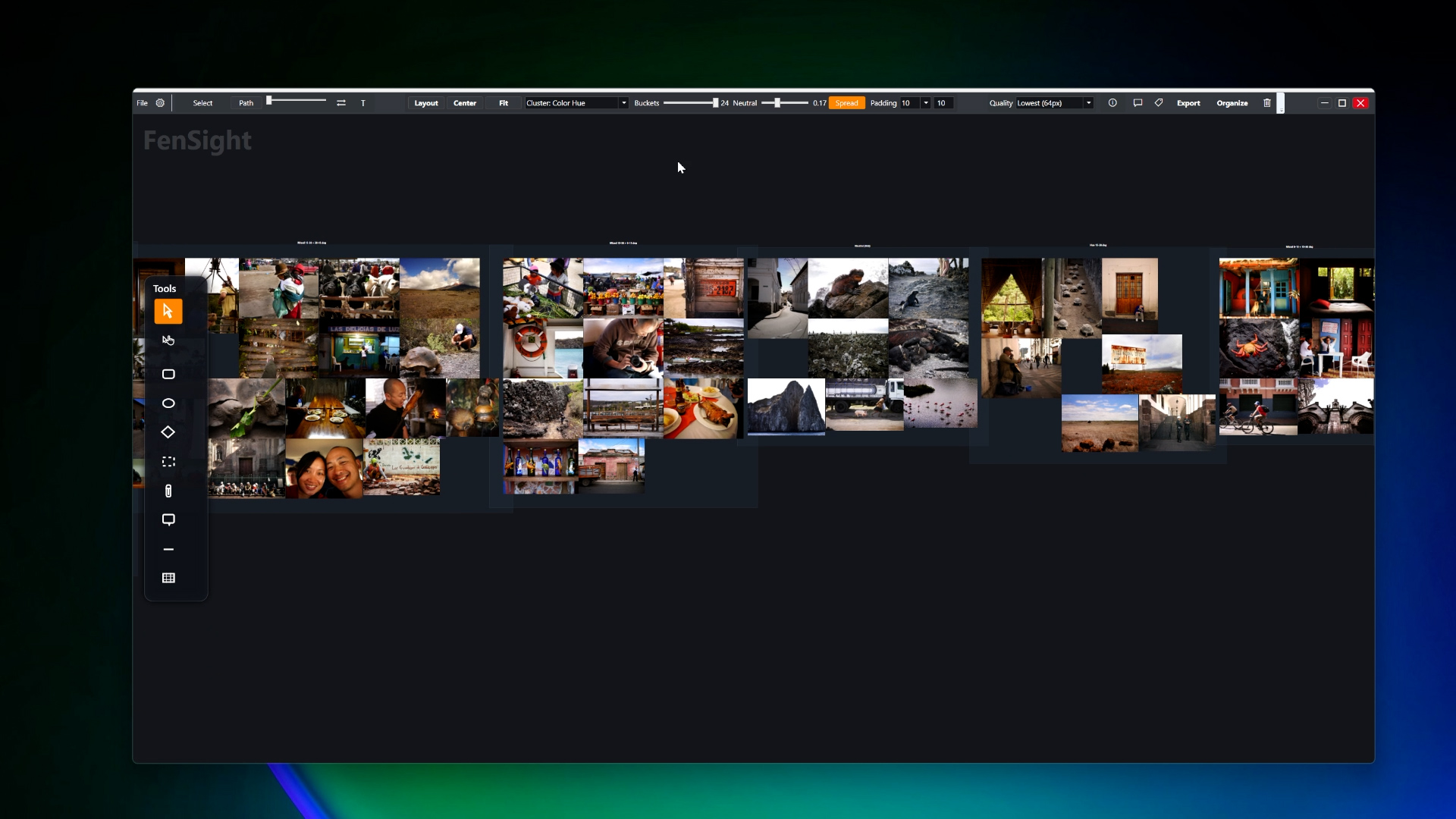
Intelligent Layout Engine
Arrange hundreds of assets instantly with sophisticated layout algorithms. Choose from Radial Tight, Edge-Biased, Masonry Rows, Masonry Columns, or Cluster modes. Group by metadata, visual similarity, or custom clusters with spread control.
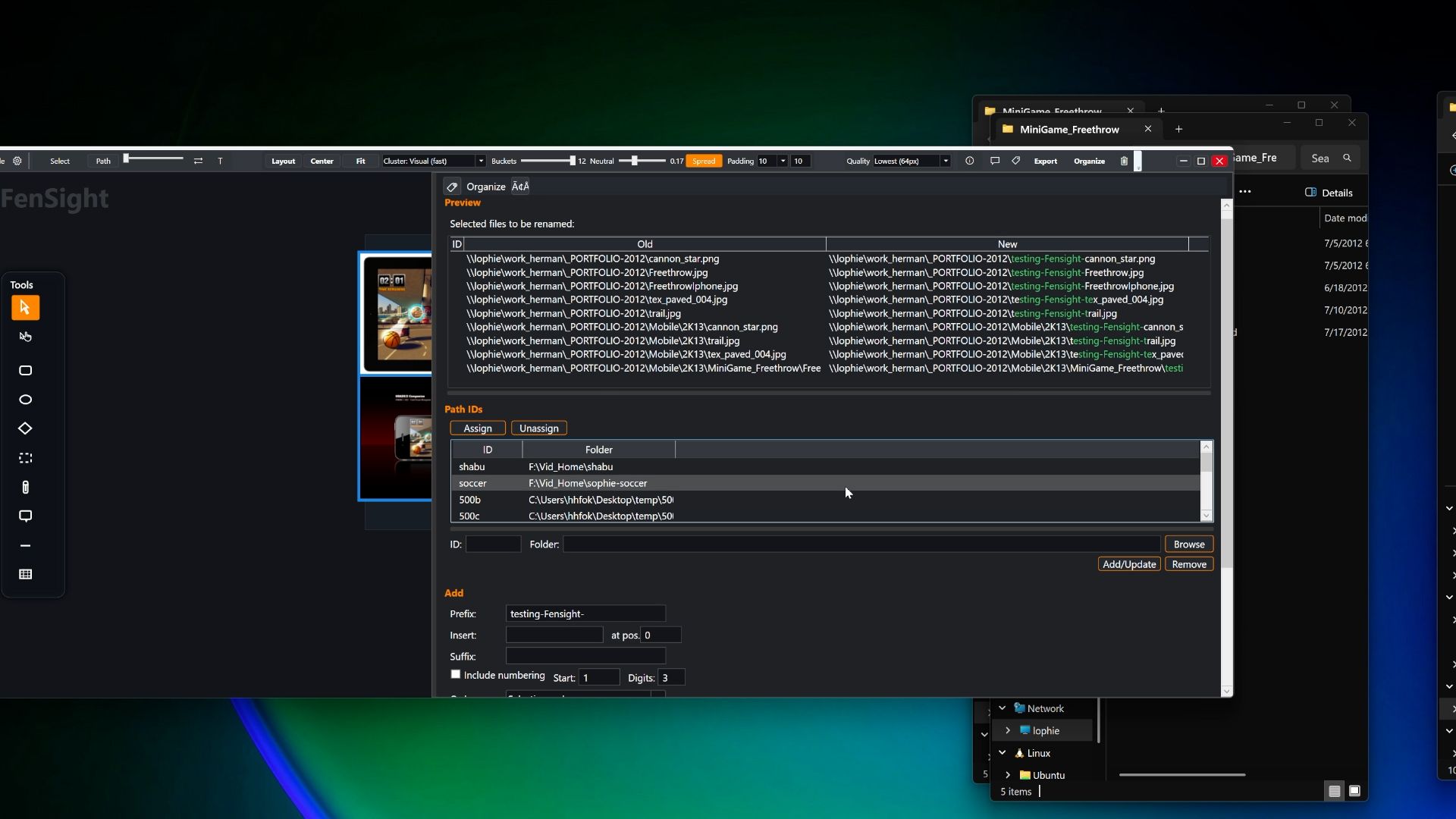
Advanced Organization & Tagging
Organize your assets with precision using our powerful tagging and metadata system. View file paths, dimensions, and attributes at a glance. Batch rename, add custom metadata, and search with lightning-fast filters.
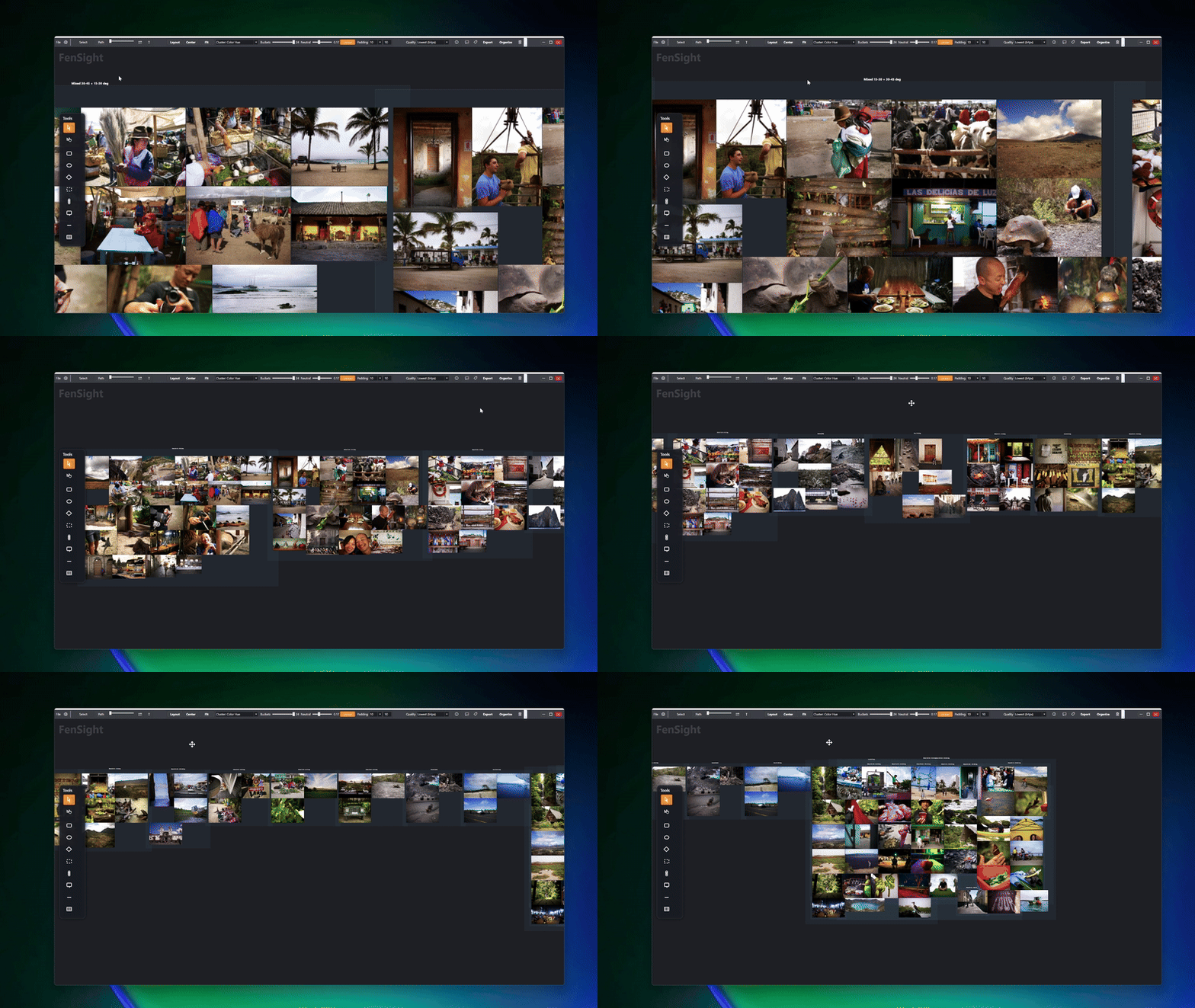
Search by concept, not filename.
Type "moody blue interior" or "close-up texture warm tones" and FenSight surfaces exactly what you're picturing — from your own library. Filter further with AND/OR tag logic, metadata overlays, and visual clustering.
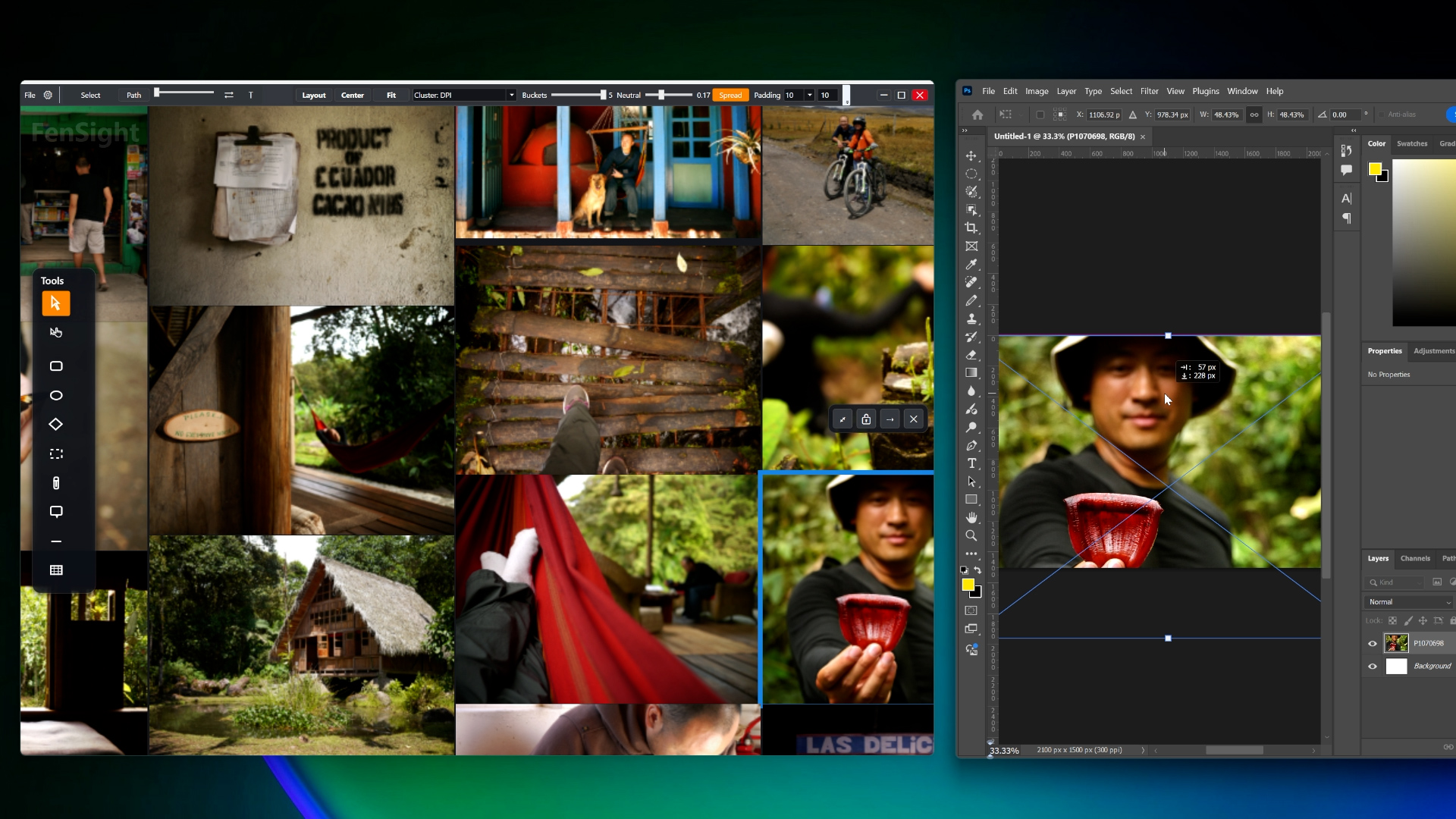
Seamless Export & AI Chat
Export to clipboard, file, or FTP/FTPS. Drag selections directly into Photoshop, Illustrator, or any app. Integrated AI chat with board context helps you automate layouts, tagging, and uploads with natural language commands.
Own your tools
Pay once and FenSight is yours. Your files never leave your Windows device

Free
FREE - Unlimited Lifetime* use. No payment required. Also get a 30-day full access trial, and 1 year of updates. After that, you can continue using the free features forever.
Who it's for
License
Features
Not included

Individual
Everything FenSight does, for one person. Every search mode, every visualizer, the whole tool. Pay once for Lifetime* use — no subscription, ever.
Who it's for
License
Features

Studio
For working as a team, or presenting to clients. Everything in Individual plus shared team boards, Present Board, and a commercial-use license. Lifetime* use, per seat — buy one to start and add seats anytime.
Who it's for
License
Features
14-Day Guarantee
Not satisfied? Get a full refund within 14 days — no questions asked. Learn more →
Offline First
No cloud account. Offline use after activation. App telemetry off by default.
Files Stay Local
AI runs locally where supported or through providers you configure. Your photos are not sent to FenSight.
When do I need Studio?
When you're working as a team, or presenting to clients. Everything else FenSight does is in Individual — every visualizer, every search mode, the whole tool. Studio adds shared team boards, the presentation mode, and a commercial-use license for companies. Freelancers doing paid client work are covered by Individual.
No subscriptions. Every FenSight license is a one-time purchase.
* Lifetime means you have a perpetual right to use the specific version you bought forever, but major future releases require an upgrade fee.
Frequently Asked Questions
Everything you need to know about FenSight
Still have questions? Contact our support team